

Select the assets
Choose the asset you want to swap from and the asset you want to receive. You can search or pick from the available list.
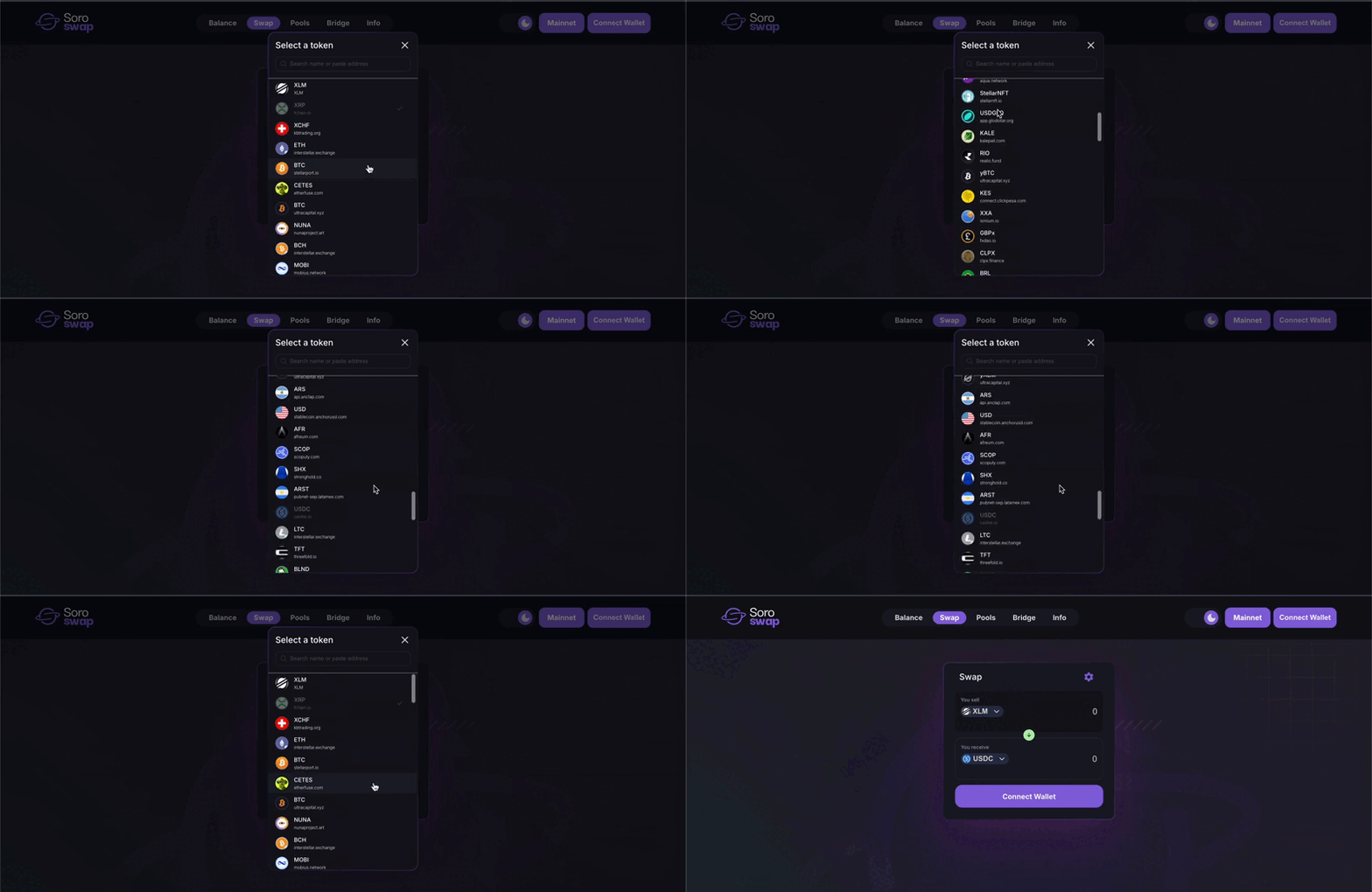
Input how much you want to swap. The app will automatically estimate how much you’ll receive.
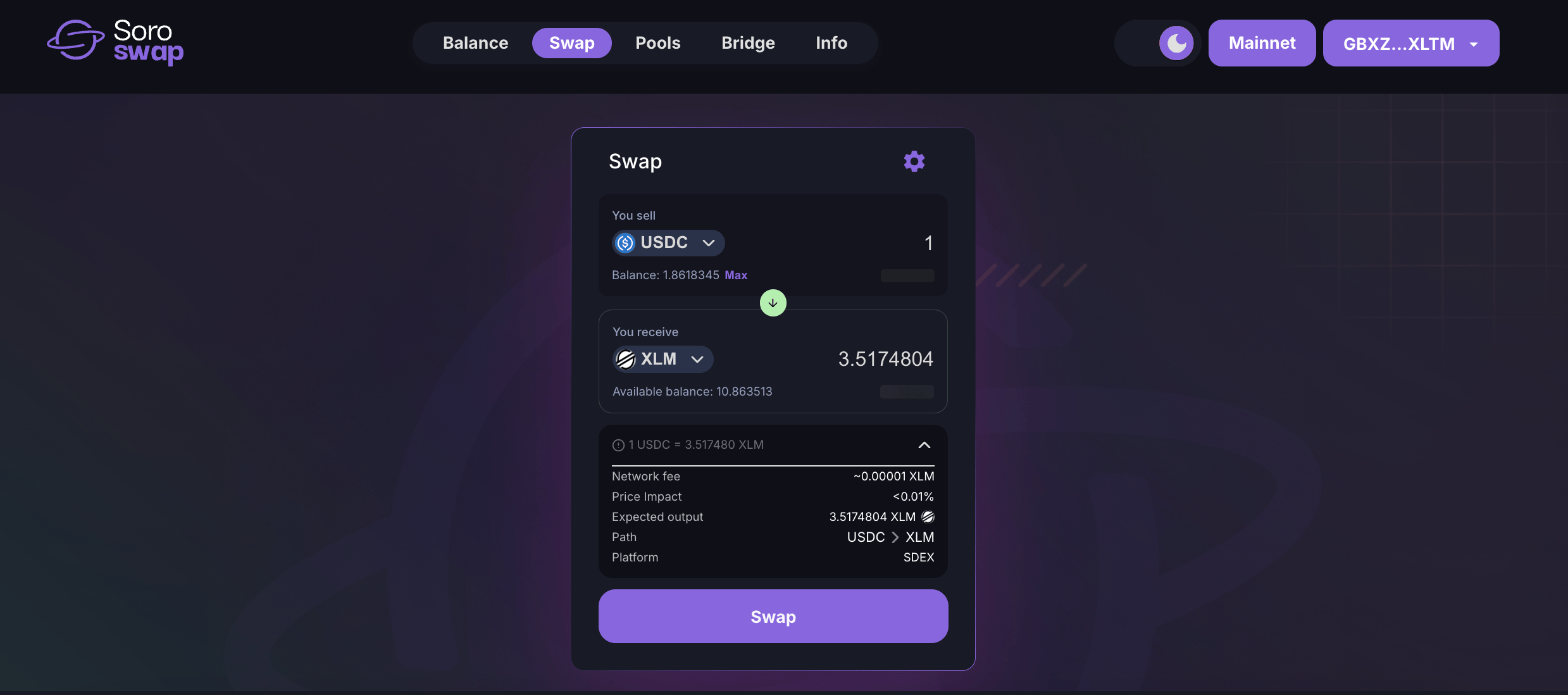
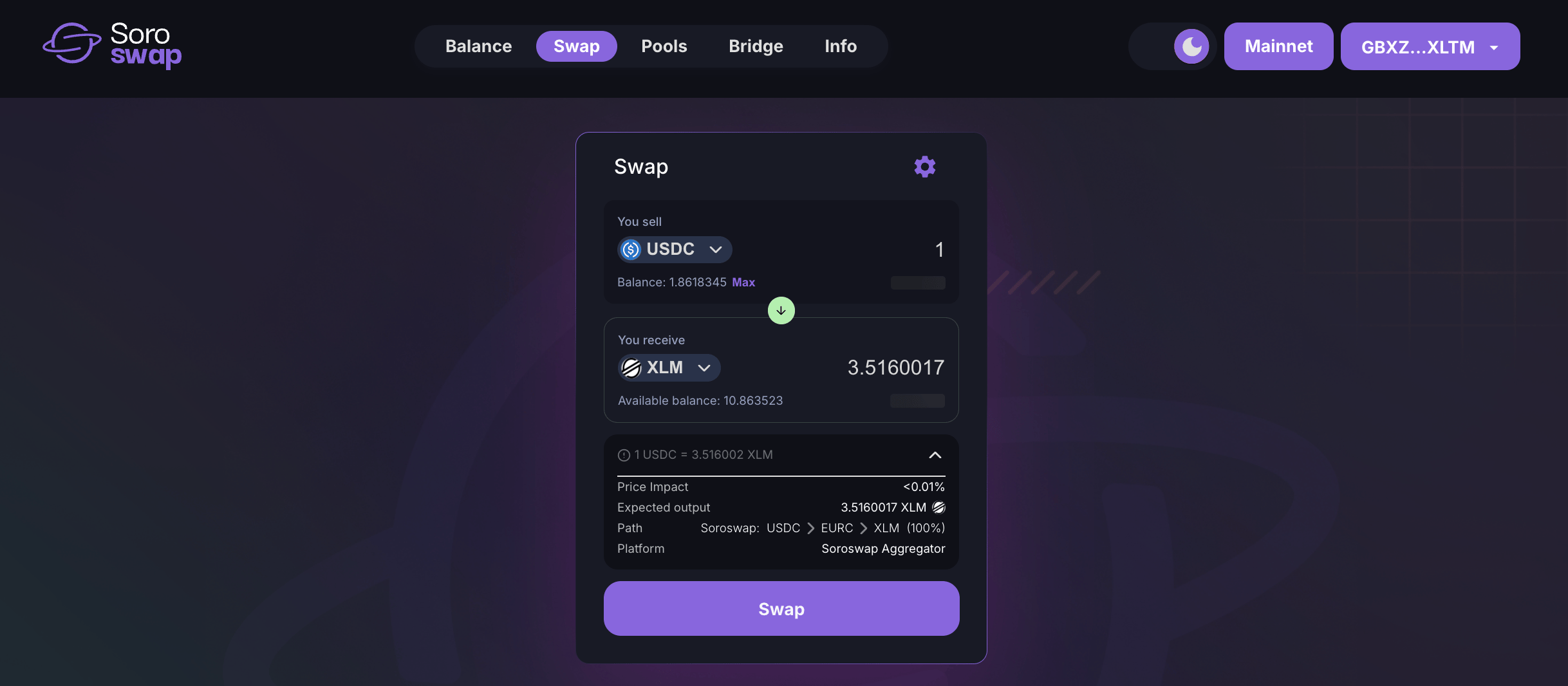
If a better price is available by splitting the trade across multiple AMMs (e.g. Phoenix AMM or Soroswap AMM), the Aggregator will route the swap automatically—no manual setup needed.
If it’s your first time using the asset, you’ll need to sign a trustline to authorize it in your wallet. Confirm the swap
Review the swap details and sign the transaction in your wallet. Check the result
Once confirmed, your wallet balance will update. You can also view the transaction on Stellar.Expert or StellarChain.
⚙️ Adjusting slippage tolerance
You can control how much price variation you’re willing to accept:- Open the Settings panel
- Select a predefined slippage value (e.g. 0.5%) or enter a custom one
- Click Save to apply changes
📘 Need a full walkthrough with screenshots and tips? Follow the Swap Tutorial
🔄 Next step: Provide Liquidity
🧠 Learn more: How the Aggregator Works